
Subtopics:
2nd Grade Typing Guided Lessons




About 2nd Grade Typing Guided Lessons
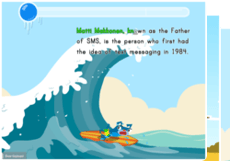
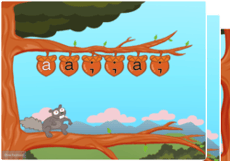
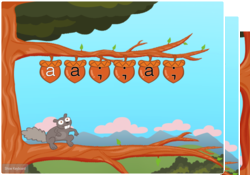
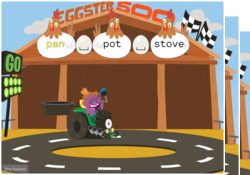
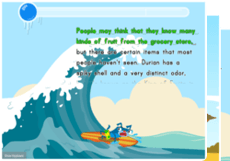
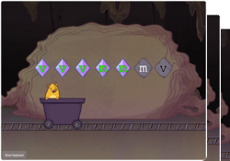
On Education.com, 2nd grade typing guided lessons introduce young students to the fundamentals of keyboarding using age-appropriate software and online resources. This curriculum emphasizes correct finger placement, building speed and accuracy, and developing essential computer skills through interactive exercises. Students practice typing simple words and sentences, often incorporating fun games to keep boredom at bay while reinforcing key concepts.
Education.com provides structured lesson plans, printable worksheets, and interactive online programs such as Typing.com, TypingClub, and Keyboarding Without Tears. These resources enable teachers and parents to create engaging learning experiences and monitor progress. Material is designed to support consistent practice, helping students develop confidence and mastery while progressing from single-key exercises to full sentences.
Using specific guided lessons on Education.com allows graders to introduce children to essential technology skills in a supportive environment. Students build coordination, concentration, and classroom-ready habits that lay the groundwork for future digital literacy. At-home or in-school learning becomes more effective, structured, and enjoyable with targeted resources that balance education and engagement.
Education.com provides structured lesson plans, printable worksheets, and interactive online programs such as Typing.com, TypingClub, and Keyboarding Without Tears. These resources enable teachers and parents to create engaging learning experiences and monitor progress. Material is designed to support consistent practice, helping students develop confidence and mastery while progressing from single-key exercises to full sentences.
Using specific guided lessons on Education.com allows graders to introduce children to essential technology skills in a supportive environment. Students build coordination, concentration, and classroom-ready habits that lay the groundwork for future digital literacy. At-home or in-school learning becomes more effective, structured, and enjoyable with targeted resources that balance education and engagement.