
Subtopics:
3rd Grade Typing Guided Lessons





About 3rd Grade Typing Guided Lessons
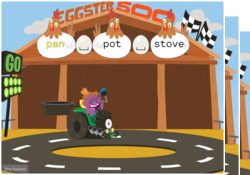
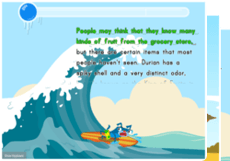
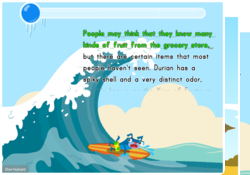
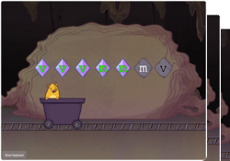
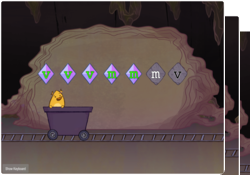
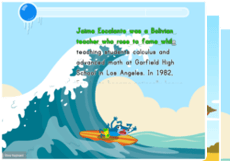
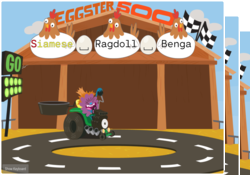
On Education.com, 3rd-grade typing guided lessons introduce students to the home row keys, helping them develop accuracy and speed through structured practice. These lessons often include digital simulations, interactive exercises, and hand-eye coordination tasks designed to build muscle memory while reinforcing alphabet and number recognition. By engaging in games and activities that promote finger placement and speed, students can practice typing while exploring cross-curricular content such as reading, math, and science.
Parents and teachers can access printable worksheets, online exercises, and lesson plans on Education.com that provide structured practice for 3rd-grade students learning to type. Each resource is designed to support curriculum standards and progressive skill development, ensuring children learn proper keyboarding techniques while maintaining engagement and motivation. This makes it easier to track progress and provide targeted instruction for students at various skill levels.
Using these guided typing lessons saves time for educators and parents by providing ready-made, engaging materials that promote skill acquisition and confidence. Interactive activities, structured worksheets, and teacher resources help children achieve consistent typing speeds and accuracy, helping lay the foundation for future computer and technology use. Accessing ready-to-use learning content on Education.com ensures a supportive, educational approach to digital literacy.
Parents and teachers can access printable worksheets, online exercises, and lesson plans on Education.com that provide structured practice for 3rd-grade students learning to type. Each resource is designed to support curriculum standards and progressive skill development, ensuring children learn proper keyboarding techniques while maintaining engagement and motivation. This makes it easier to track progress and provide targeted instruction for students at various skill levels.
Using these guided typing lessons saves time for educators and parents by providing ready-made, engaging materials that promote skill acquisition and confidence. Interactive activities, structured worksheets, and teacher resources help children achieve consistent typing speeds and accuracy, helping lay the foundation for future computer and technology use. Accessing ready-to-use learning content on Education.com ensures a supportive, educational approach to digital literacy.