
Subtopics:
5th Grade Typing Guided Lessons

About 5th Grade Typing Guided Lessons
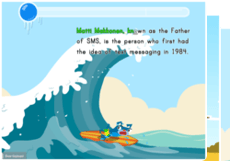
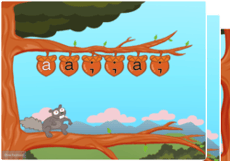
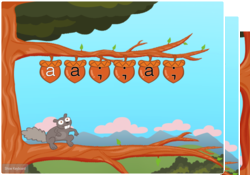
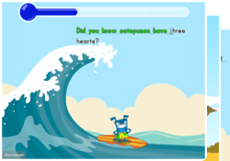
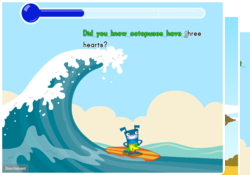
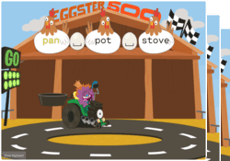
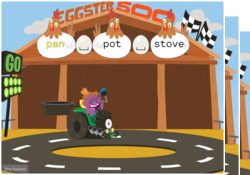
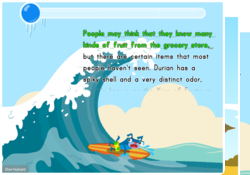
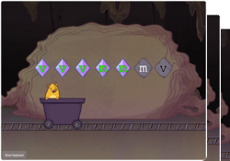
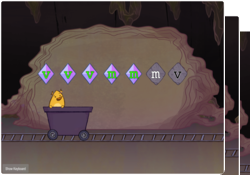
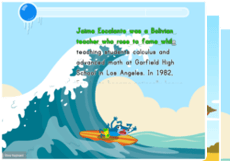
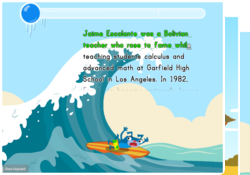
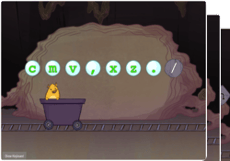
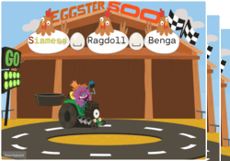
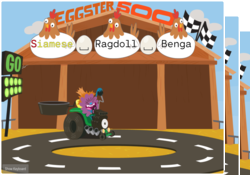
On Education.com, 5th Grade Typing Guided Lessons focus on building touch-typing skills, including proper finger placement on the home row, speed, and accuracy through engaging activities. These lessons provide drag-and-drop practice exercises that reinforce muscle memory while students learn to type efficiently for writing, research, and digital communication. The lessons are designed to support literacy and technology integration in a fun, interactive way.
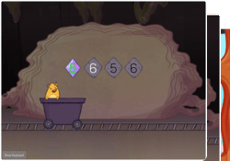
Students can explore printable worksheet pages, interactive lessons, finger placement charts, and speed-building games that incorporate cross-curricular content like math, science, and English Language Arts. Each activity encourages steady progress by combining practice with educational content. Students gain confidence in typing while reinforcing other subject skills through integrated exercises and instructional materials on Education.com.
Educators and parents can use these lessons to support home instruction or complement classroom learning, creating a structured and engaging routine for developing typing proficiencies. The materials make start-to-finish instruction simple, combining age-appropriate lessons with interactive learning tools that motivate students to improve. This ensures steady skill advancement that builds a strong foundation for future digital and academic success.
Students can explore printable worksheet pages, interactive lessons, finger placement charts, and speed-building games that incorporate cross-curricular content like math, science, and English Language Arts. Each activity encourages steady progress by combining practice with educational content. Students gain confidence in typing while reinforcing other subject skills through integrated exercises and instructional materials on Education.com.
Educators and parents can use these lessons to support home instruction or complement classroom learning, creating a structured and engaging routine for developing typing proficiencies. The materials make start-to-finish instruction simple, combining age-appropriate lessons with interactive learning tools that motivate students to improve. This ensures steady skill advancement that builds a strong foundation for future digital and academic success.